Home/Price stickers
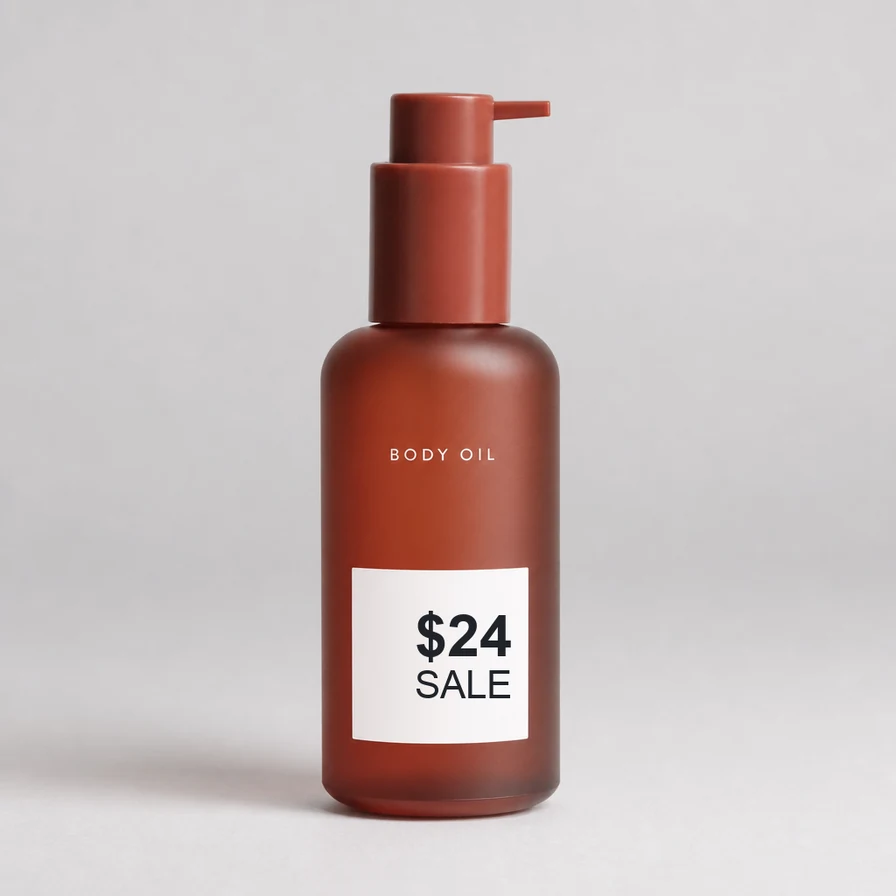
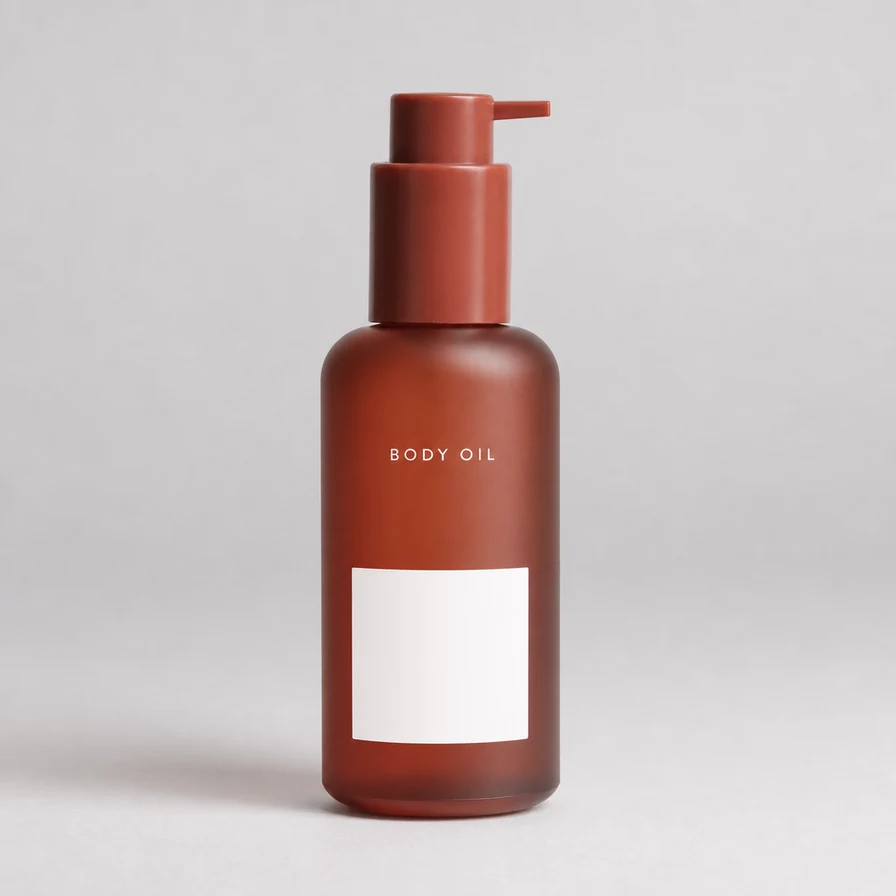
Remove a price stickerfrom a product photo
Clean in seconds, and it'sFree
No image? Try one of these:
By uploading an image or URL you agree to our Terms of Service. To learn more about how EraseText handles your personal data, check our Privacy Policy.
What this is for
Shelf and warehouse stickers
Yesterday’s price or a handwritten SKU sitting on the pack. All text for a dense label. Select when printed brand art on the box must stay.
Sale badges and promo type
A 50% OFF burst or a channel overlay you cannot take to the next listing. Clear the type, then check the pack edge at 100% — no mushy halo on the product.
New price on the same shot
Once the sticker is gone, Edit places the updated price on the clean plate. No reshoot, no full redesign in your layout tool unless you want one.
Sticker vs printed pack type
A sticker is an overlay. Brand type printed on the box is often worth keeping — Select (erase selected, or keep selected and erase the rest) is the everyday split. Brush a faint corner stamp detection never boxed.
Curved glass and shiny packs
A label on a bottle or blister often sits on a curve or a highlight. All text still clears the glyphs. After the pass, check the pack edge and the specular at 100% — the rebuild should follow the glass, not leave a flat patch. If a solid colour slab sat under a burst, Brush the slab after the type is gone.
A catalogue, not one SKU
Many listings share the same sticker pattern. Clear one path here, then Bulk Erase the folder. Spot-check odd packaging in Select or Brush. Uploads on the free product delete after one hour — take the clean files before you close the tab.
Questions
How do I remove a price sticker from a product photo?
Upload the listing photo and run All text. Use Select if a printed brand mark on the pack should stay. Compare the pack edge at 100%, then download or open Edit to set the new price.
Will the product edge look chewed?
The rebuild should meet the pack without a halo, and neighbouring shelf texture should look continuous. If a solid colour slab sat under a badge, clear the glyphs first, then Brush the slab.
What about a handwritten SKU or a sticker on a bottle?
Upload the listing photo and run All text. Handwritten digits are still type. On a curved or shiny pack, compare the highlight at 100% after the pass; Brush any leftover slab under a sale burst.
How it goes
- 1Upload the listing photo
- 2Erase the sticker with All text or Select; Brush if a mark was missed
- 3Compare at the pack edge, then Download — or Edit the new price