Home/All features
Everything you need to take text out of an image — cleanly.
One free browser editor: All text, Select text, Brush erase, Restore, Compare, Edit, and Download. Bulk Erase is live for Lite / Pro / Volume+ (All text across a folder; 1 credit per successful erase). The HTTP API is live — same specialised text erase; see Developers.
Upload Image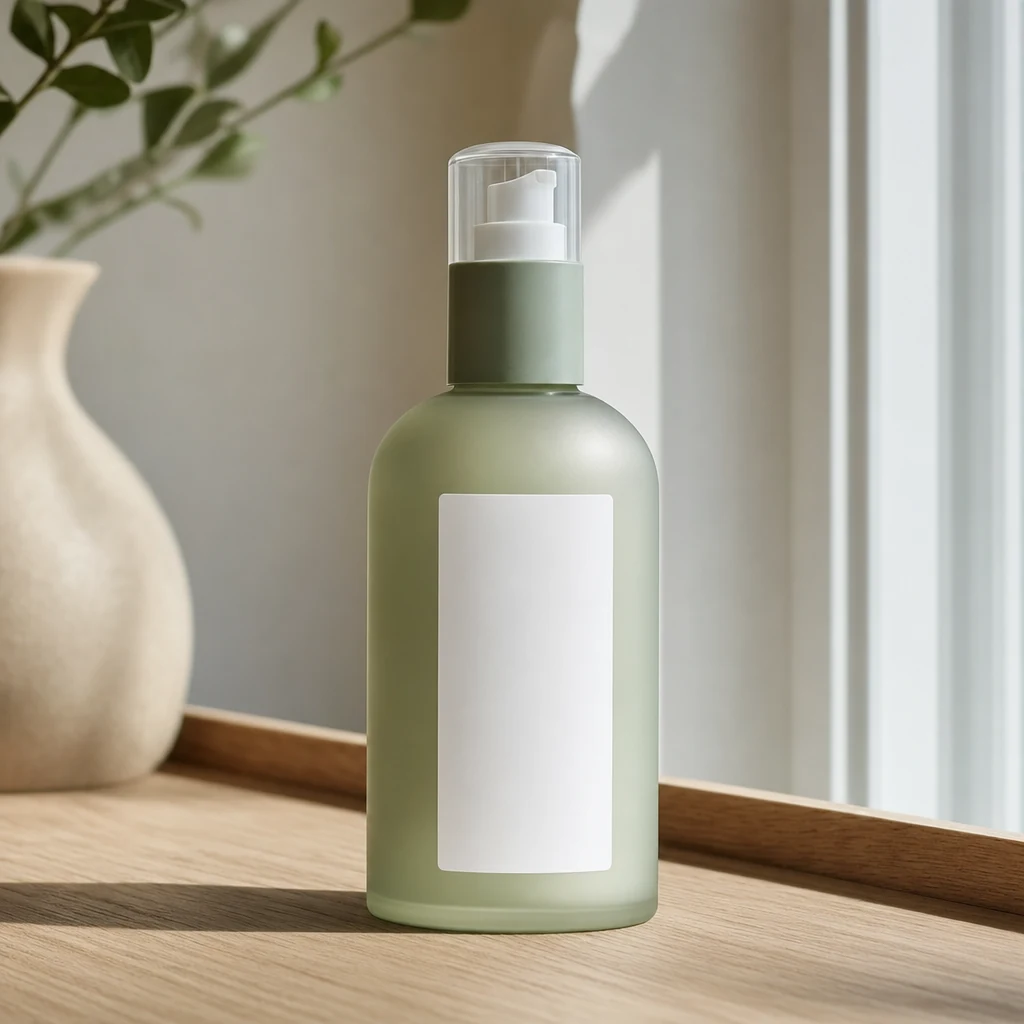 After
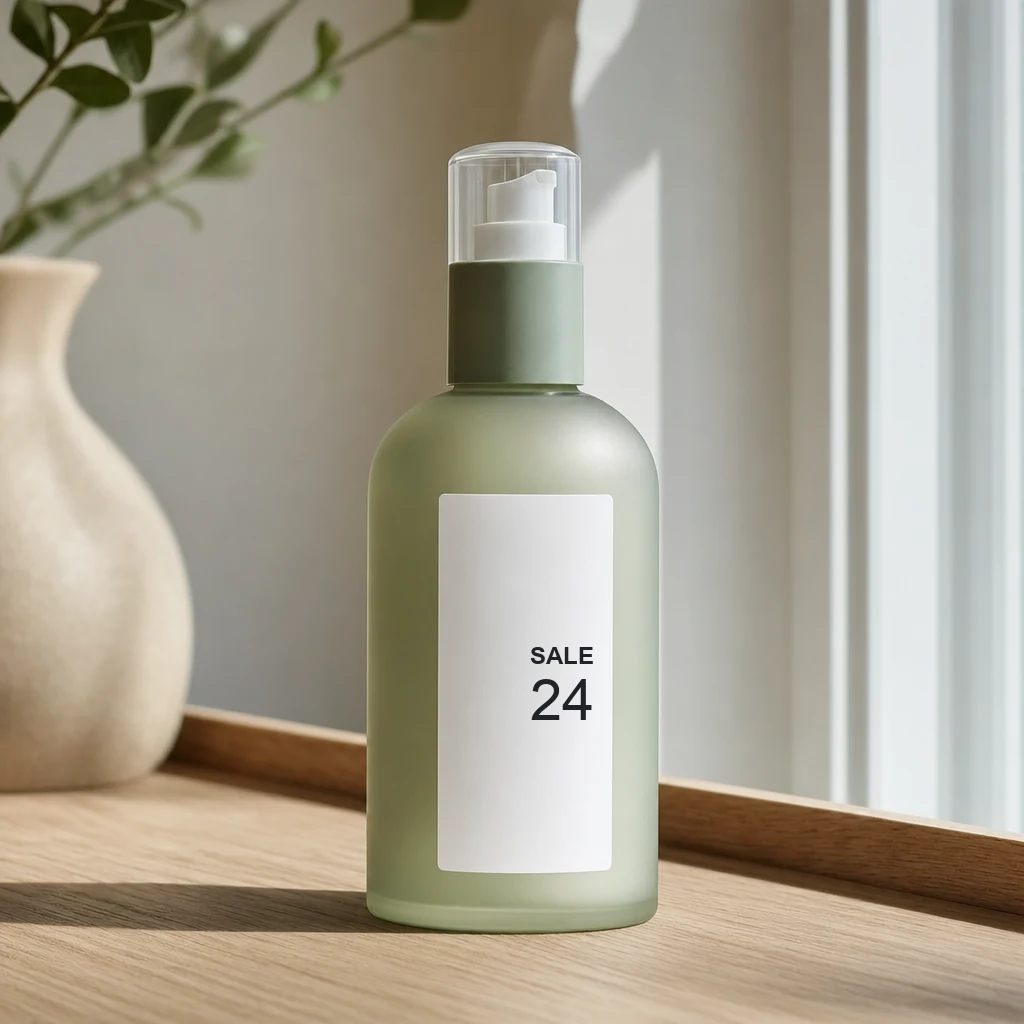
AfterBefore and after
Sale mark cleared — blank label left in place; only the type is removed.
What’s in the editor today
All text
One click finds every word and rebuilds what sat underneath — including glow, stroke, and shadow when they came with the type. No mask to draw. The everyday full wipe.
Select text
Tick the OCR boxes you want gone, or keep selected boxes and erase the rest. Reselect returns to the picker. Rough boxes are enough; unmarked pixels stay as they were.
Brush erase
Paint a freehand mask for a stamp or mark detection missed — stubborn overlays next to All text and Select.
Restore & Compare
After All text, Restore-brush original pixels back where the wipe went too far. Hold Space anytime to compare with the upload at 100% before you download.
Edit after erase
Open the clean plate (or the original) and place new copy — prices, captions, labels — without leaving the browser. Download exports the edited canvas as WebP.
Formats & limits
JPG, PNG, WEBP, HEIC — up to 25 MB and 8000 × 8000. Free to try with no sign-in. Uploads and results on the standard web product delete after one hour.
Which tool when
Start with All text when every word should go. Switch to Select when a logo, jersey number, or status bar must stay. Use Brush when OCR did not box the mark you care about. Edit is for writing on the rebuilt plate — not for the erase pass itself.
What “clean” means here
A good result looks continuous at 100% zoom: no soft ghost of the letters, neighbours untouched, grain and light matching the scene. Glow and shadow leave with the type. Rough boxes are usually enough; you do not need to trace every glyph.
Bulk Erase for folders
Drop a folder and erase all the text on every image in one run — same All-text quality as the single-image editor. Included with Lite, Pro, and Volume+; open Bulk Erase to start.
HTTP API
Programmatic erase for pipelines: POST an image (and a mask when you have one), get a clean plate back — the same specialised text-erase path All text and Select already use. Create a key under Account, then see /docs/api/ and /g/developers/.
How it goes
- 1Upload a JPG, PNG, WEBP or HEIC (up to 25 MB / 8000 × 8000)
- 2Run All text, or switch to Select / Brush for partial jobs; Restore if a thin edge went too far
- 3Hold Space to compare, then Download — or open Edit to place new copy